XサーバーでPHPのバージョンを切り替える方法

よくある質問

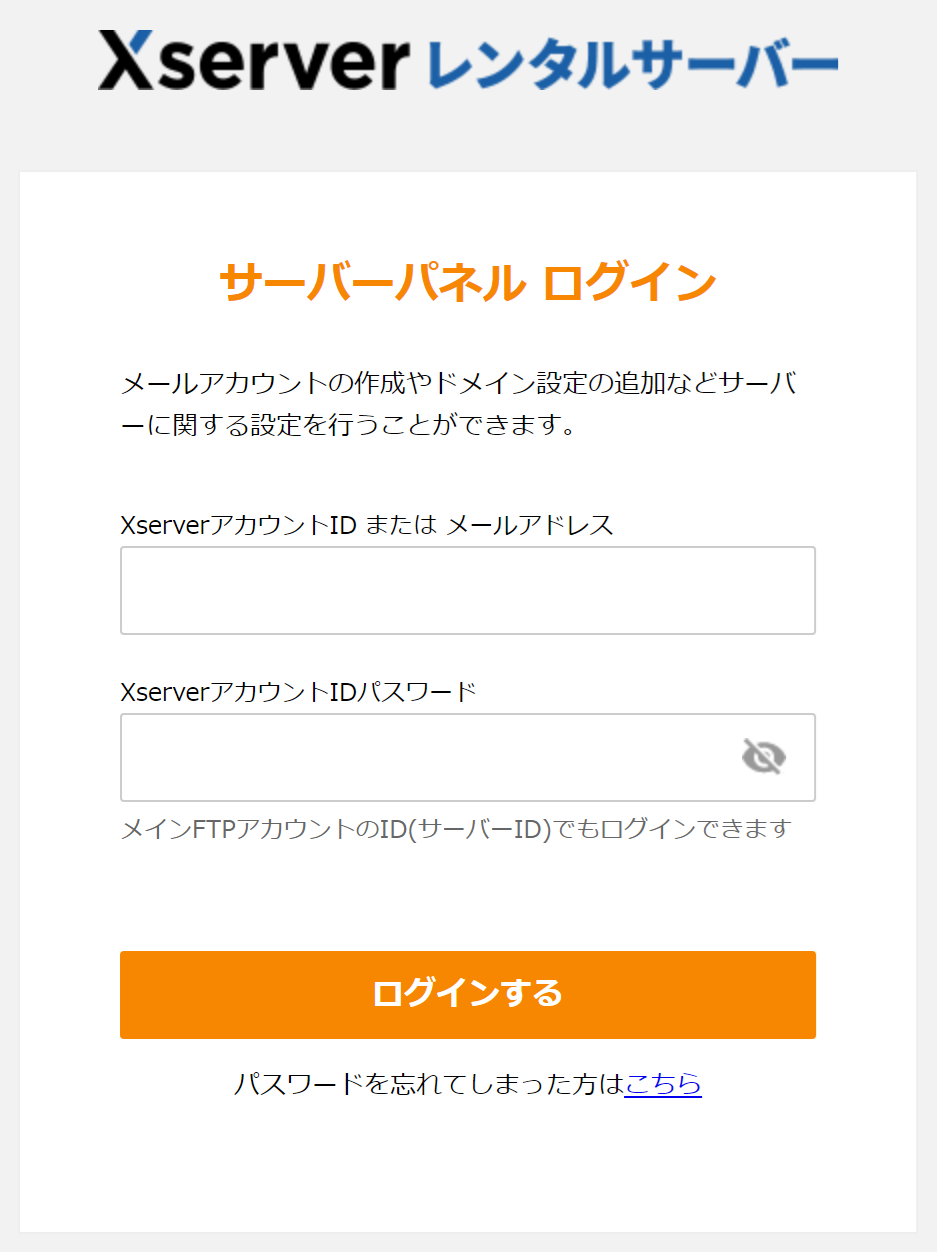
Xserver(エックスサーバー)のサーバーパネルにログインします。
 

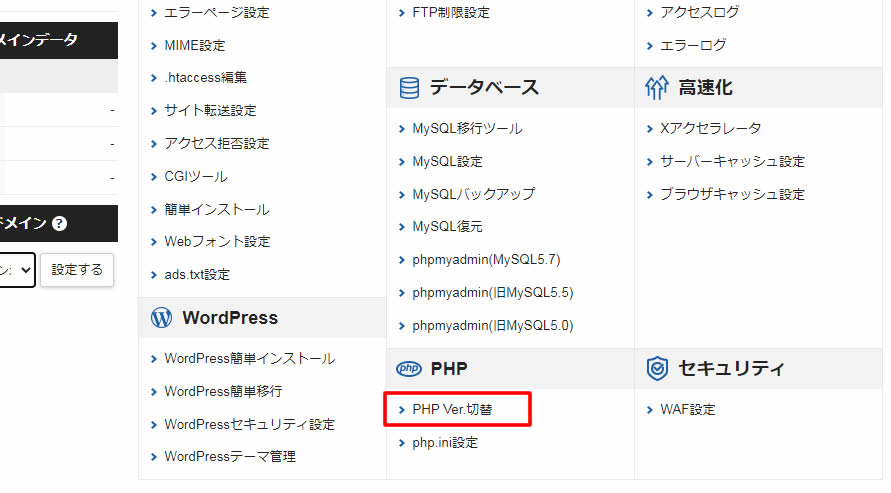
管理画面の中央の下にある「PHP Ver.切替」をクリック
 

ドメインの選択画面でPHPのバージョンを切替えるドメインの「選択する」をクリックします。
 

設定対象のドメインを確認し、「変更後のバージョン」部分の「▼」をクリックし
PHPの変更するバージョンを選択後、「変更」をクリックします。
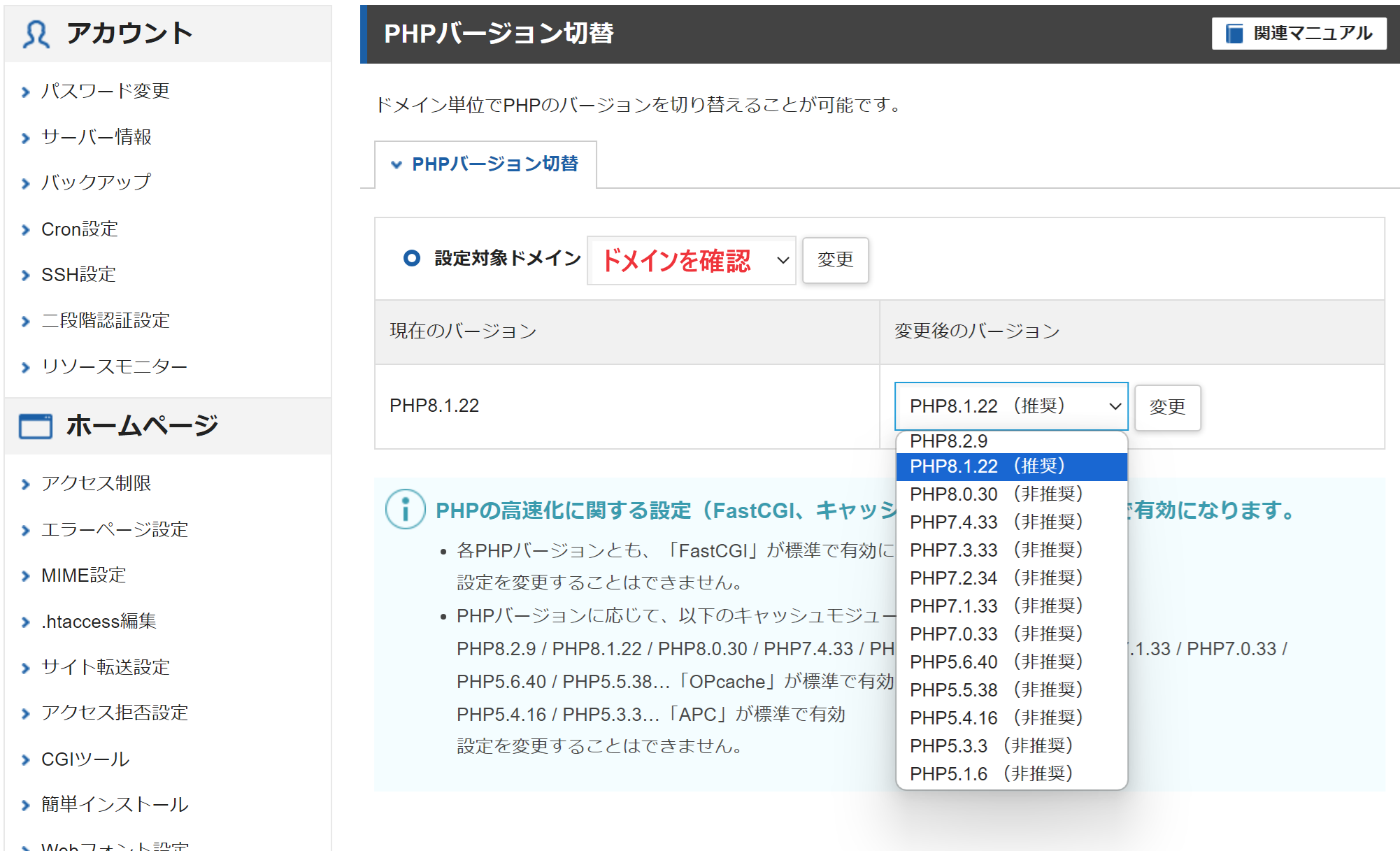

画面が切り替わると「変更」されたPHPのバージョンが表示されます。
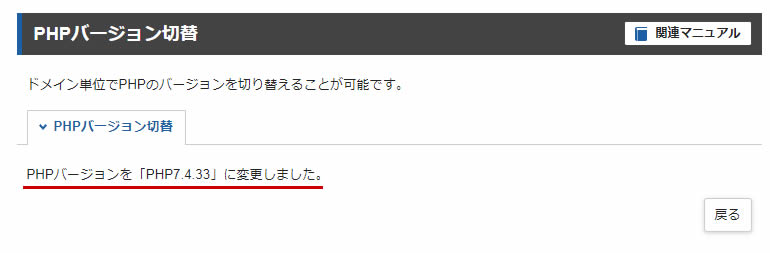
 

バージョンが変更されていればPHPの変更は完了です。

This website stores cookies on your computer. These cookies are used to provide a more personalized experience and to track your whereabouts around our website in compliance with the European General Data Protection Regulation. If you decide to to opt-out of any future tracking, a cookie will be setup in your browser to remember this choice for one year.

Accept or Deny